
Cc Imprimerie
Imprimerie photocopie reliure
Informations générales
Niveau de complétude des informations de la fiche :
96%
Liste des raccourcis clavier pour l'utilisation de la photographie immersive 3D géolocalisée Panoramax
- Flèches (ou 2/4/8/6 du pavé numérique) : se déplacer dans l’image ou sur la carte
- Page haut/bas (ou 3/9 du pavé numérique) : passer à l’image suivante ou précédente dans la séquence
- / - : zoomer ou dézoomer l’image ou la carte
- (ou 5 du pavé numérique) : recentrer l’image ou la carte
- Accueil / ↖️ (ou 7 du pavé numérique) : basculer la carte et l’image comme élément principal affiché
- Fin (ou 1 du pavé numérique) : masquer la carte ou l’image réduite
- Espace : lire ou mettre en pause la séquence en cours
Informations sur l’accessibilité
Filtrer par type de handicap :
Affichez uniquement les infos d'accessibilité qui vous concernent, en fonction de votre handicap
Transport et stationnement
- Pas de transport en commun à proximité
- Pas de places de parking au sein de l'établissement
- Places de parking à proximité comprenant des places adaptées et réservées
Chemin vers l'entrée
Entrée
- Entrée bien visible
- Pas de balise sonore
- Porte manuelle battante
- Largeur d'au moins 80 cm
- Porte vitrée avec éléments contrastés sur la partie vitrée
- Présence de 1 marche montante pour atteindre l'entrée
- Marche non sécurisée et non équipée de main courante
- Présence d'une rampe amovible
- Pas d'ascenseur ou d'élévateur
- Aide humaine possible
- Pas de dispositif d'appel
- Pas d’entrée dédiée aux personnes en situation de handicap
Accueil et équipement
- Accueil à proximité directe de l'entrée
- Chemin vers l'accueil de plain pied
- Largeur minimale de 90 cm sur toute la circulation menant à l'accueil
- Personnels sensibilisés ou formés
- Pas d'équipement d'aide à l'audition
- Pas de toilettes
Voulez-vous améliorer la qualité des informations ?
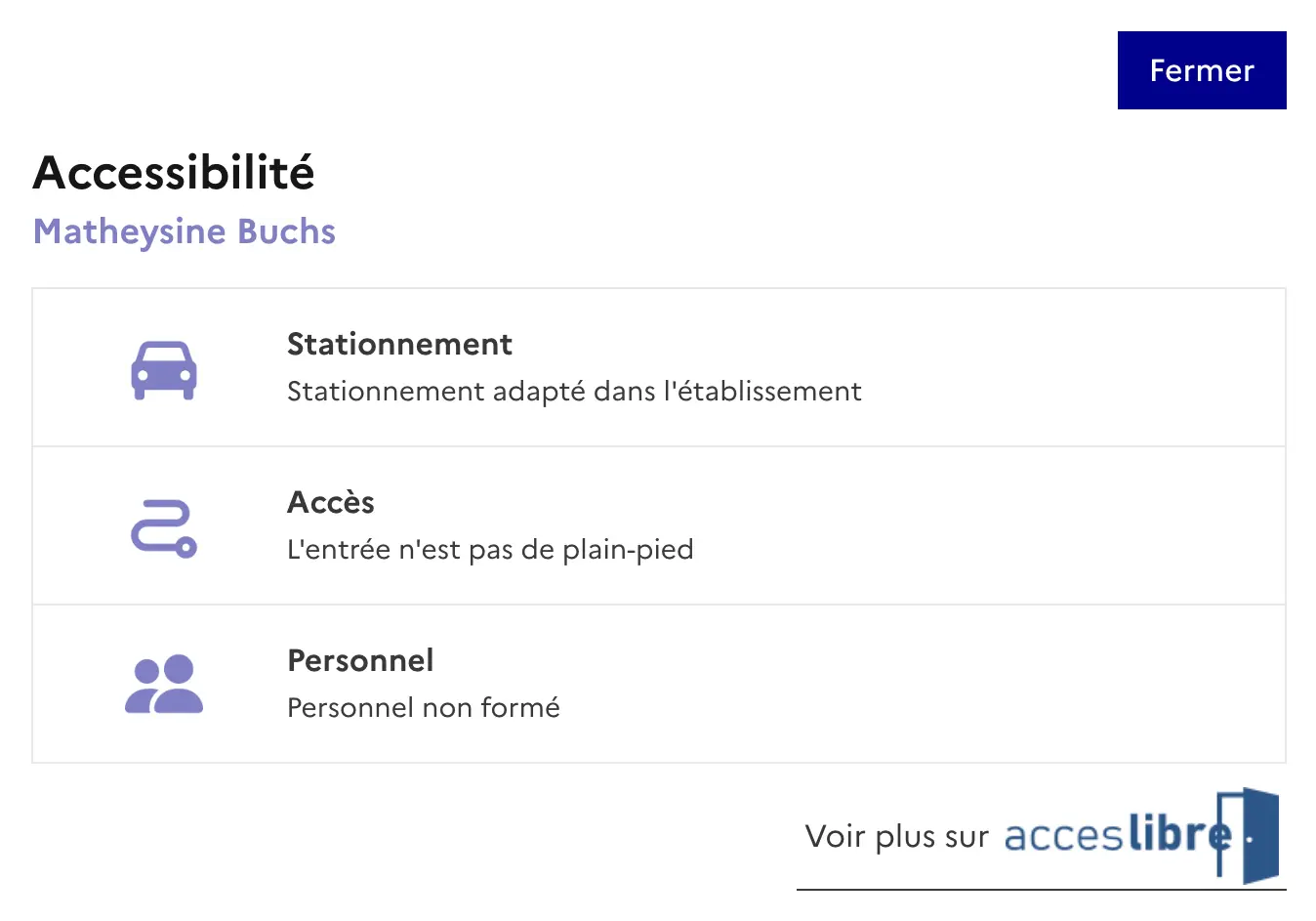
Vous êtes le gérant de l’établissement, partagez ces informations sur votre site
En un copier-coller, affichez les informations principales de votre établissement.
Fiche créée par camille., le 26/08/2022
Dernière modification le 26/08/2022